

I don’t use ChatGPT or Google to answer most technical questions people ask me. Here’s why: most people think AI advantage comes from picking the right model. But models are becoming commodities. The real advantage is whether your AI has your knowledge.
You don’t forget things. You forget where your brain stored them.
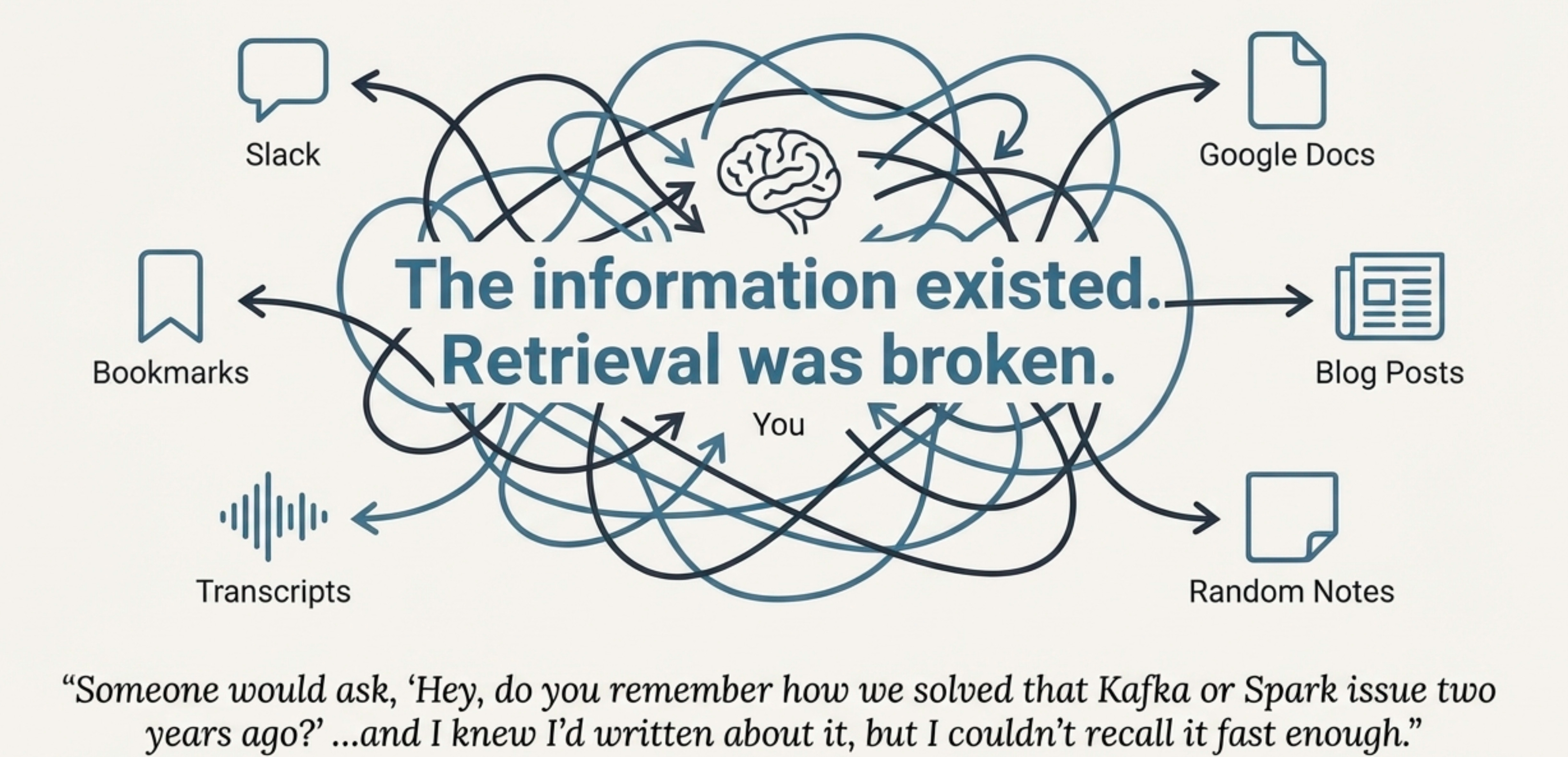
This kept happening: someone would ask, “How did you speed up merges when writing to N tables at once ?” And I’d think—I know this. I’ve seen this. I probably even wrote about it. But I couldn’t recall where it is, and then spent 10 minutes finding the right piece.
The problem wasn’t a lack of knowledge. The problem was fragmentation. My knowledge lived in bookmarks, blogs, notes, documents, and videos. The information existed. Retrieval was broken.
My Old Stack: Why It Failed
For years I was paying for Notion. I was paying for Notion AI. And I was paying for a separate diagramming tool because I build a lot of decision trees and system diagrams.
Then I realized something uncomfortable: I was paying just to store my own thinking. Everything lived in different platforms. And I still had the same problem—when someone asked a question, I knew I had the answer somewhere. I just didn’t know where.
That’s when I knew I didn’t need more tools. I needed a recall layer.
Discovering Obsidian
Then a colleague showed me Obsidian. If you don’t know it, it’s a free, local, markdown-based note tool. Out of curiosity, I looked up who builds it.
This surprised me: Obsidian is built and maintained by a team of less than 20 people—not a massive tech company. Which is amazing, because the tool feels extremely polished.
What I loved immediately:
◆Local: My notes are just Markdown files on my computer
◆Markdown: Plain text, universally readable, version-controllable
◆Mine: No lock-in. I own my data completely.
The Simple / No Code Solution
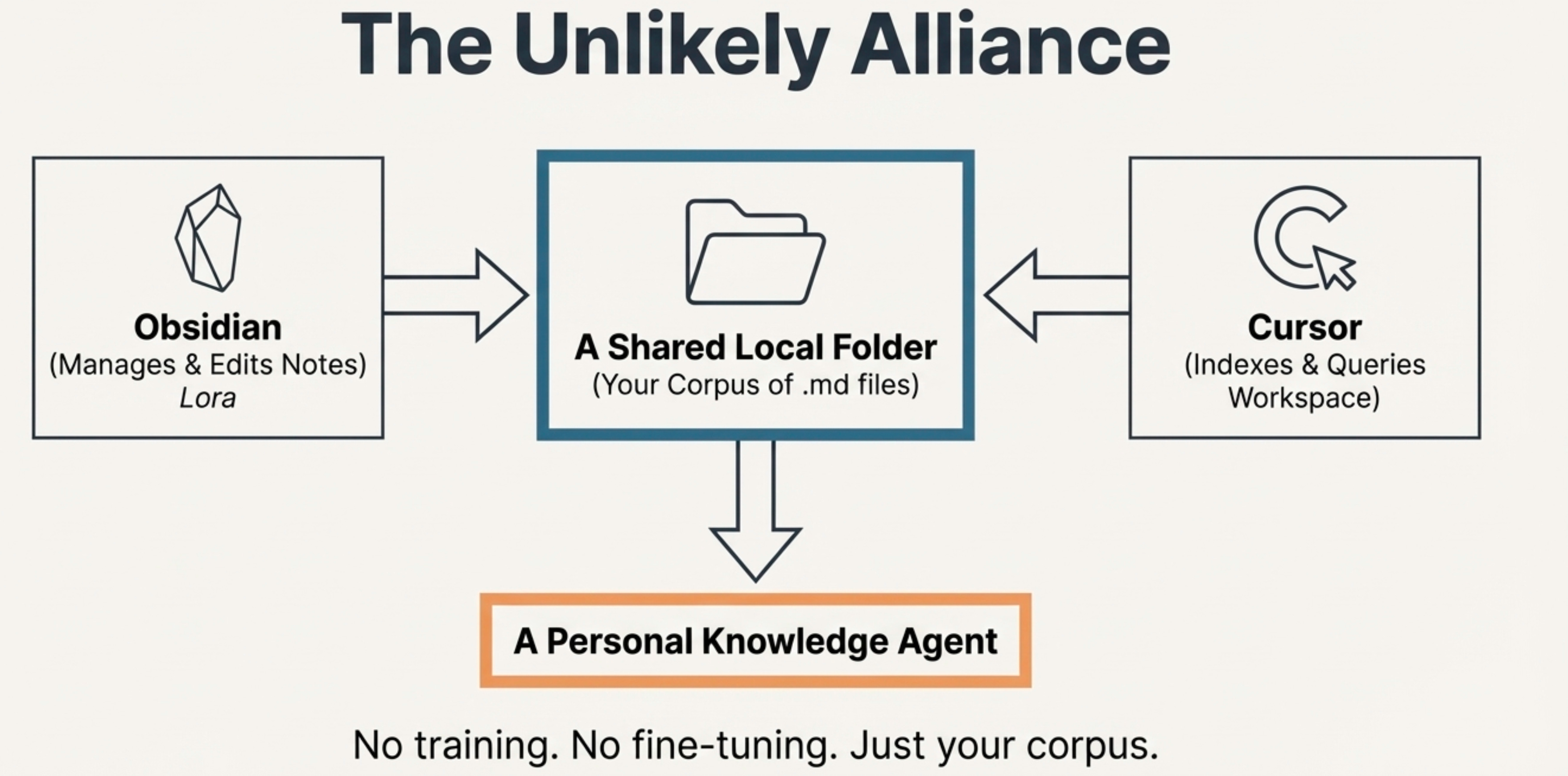
Around the same time, I already knew Cursor could index everything inside a workspace. Then the idea clicked:
What if Obsidian and Cursor pointed to the same folder?
Obsidian manages my notes. Cursor indexes them. Suddenly Cursor stopped being just an IDE and became my personal knowledge agent. No training. No fine-tuning. Just my corpus.
Hack: You can use Cursor to do the dirty work of organizing and cleaning your notes.
How I Feed the Agent
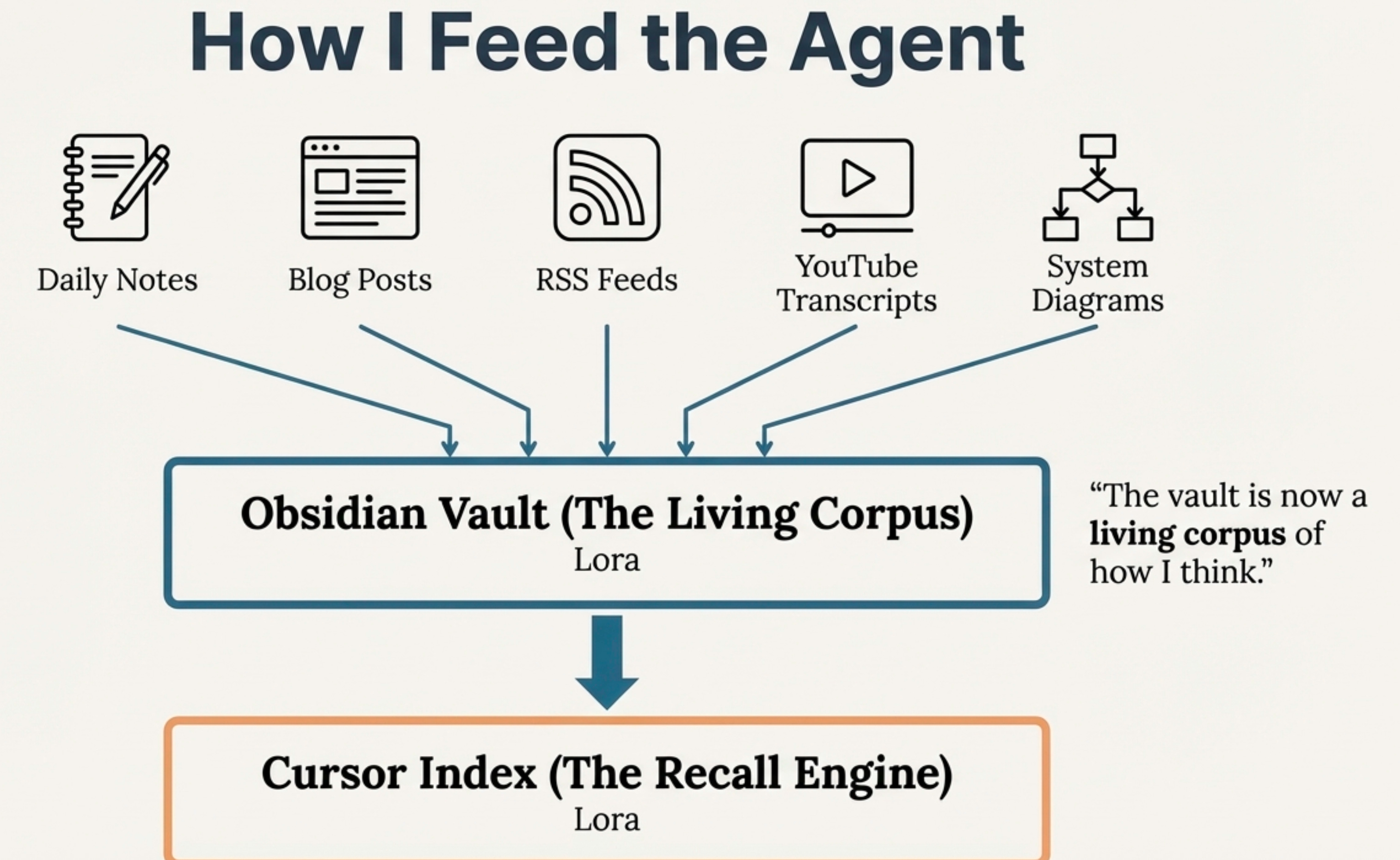
Then I started feeding it properly. All my daily work notes go into Obsidian. All my blogs go into Obsidian. I set up RSS feeds for sources I trust—Databricks blogs, Canadian Data Guy, and a few others.
And one extra trick: I manually downloaded transcripts from YouTube videos I really liked and stored them as notes. Now, this vault is a living, evolving record of my thoughts.
Recommended Obsidian Plugins
RSS Reader— Auto-import articles from trusted sourcesTemplater— Standardize note structuresDaily Notes— Automatic daily journal creation
Creative Things I Use the Cursor For
Cursor isn’t just helping me retrieve notes. This is where it gets really interesting. Because now that it understands my entire vault, I don’t just ask it questions—I use it to work on my knowledge with me.
Chaos → Structure
Sometimes I have a single document that’s just messy—bullet points, half sentences, random links. I highlight the file and say: “Turn these incomplete notes into a clean, structured explanation.” Cursor organizes it into sections and connects it to things I’ve written before.
Multi-Note Synthesis
I select three or four old notes from different months and say: “These are related. Combine them into one coherent technical explanation.” Cursor doesn’t just rewrite—it synthesizes. It connects things I forgot were even related.
Example Prompts
> “Look at this document and turn these incomplete notes into a clean explanation”
> “These 4 files are related. Combine them into one coherent technical doc”
> “How have my approaches to streaming cost optimization evolved over time?”
> “What would I say about Delta Lake checkpoints based on my past notes?”
> “Reflect my thinking back to me - what blind spots do you see?”
What It’s Good At (And Not)
This is not a research engine. If someone asks me something completely outside my domain, I don’t pretend my agent knows. That’s a Google or ChatGPT question.
This solves a different problem. About 80% of the questions I get are: “I know you’ve seen this before…” That’s exactly what this is built for.
⚡ Key Insight
The answers don’t sound like the internet. They sound like me. Because they’re grounded in my notes. This is the difference between generic AI and a personal knowledge agent.
Why This Matters
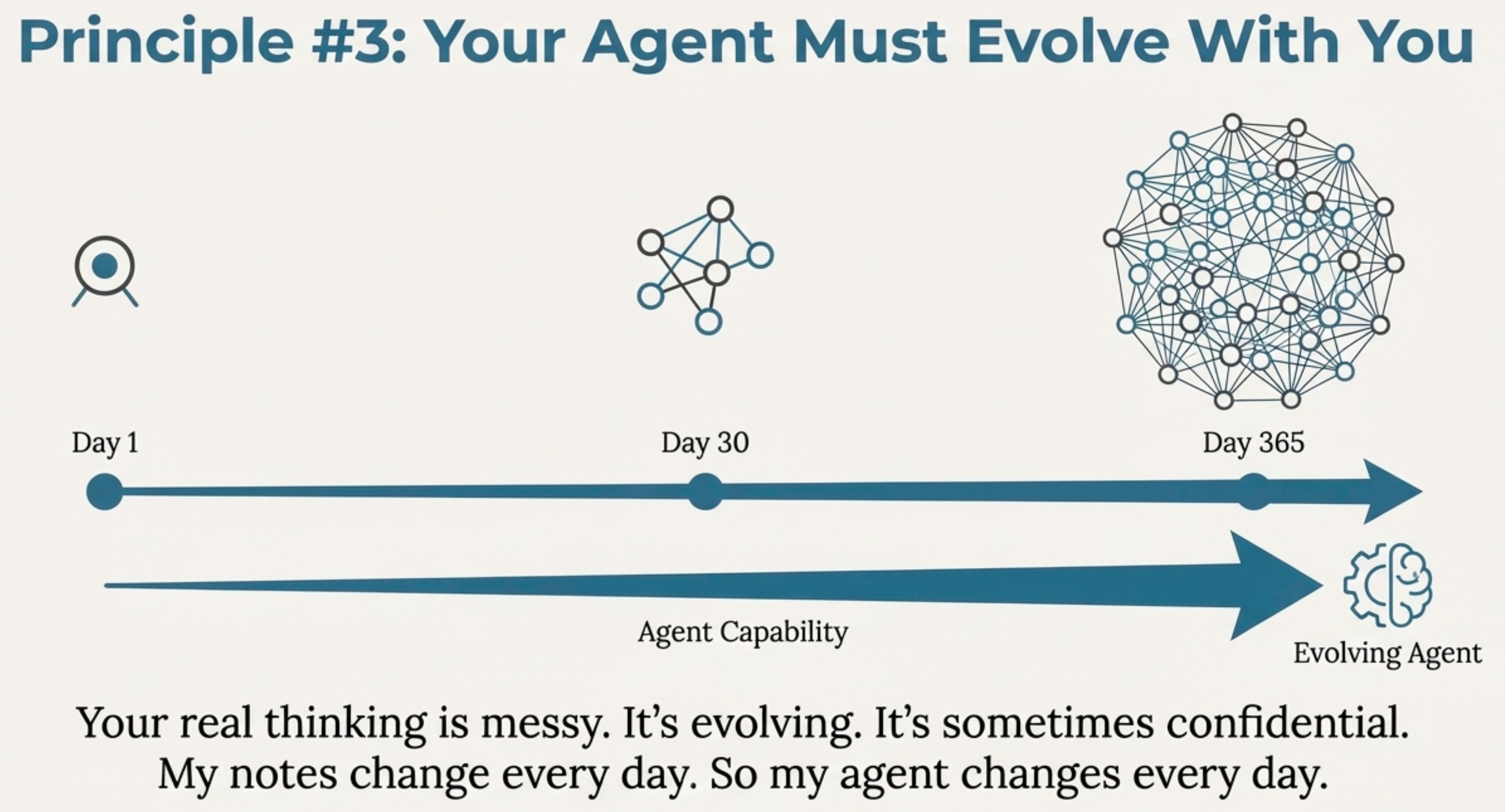
Not all knowledge belongs in public models. Your real thinking is messy. Evolving. Sometimes confidential.
Your agent needs to evolve with you. My notes change every day. So my agent changes every day.
This doesn’t make me smarter. It makes me harder to forget.
Going Deeper: Production Agents
This setup solves most of my daily problems. It helps me every single day.
But if you want something much more concrete—something deeper, something you might even share with others—then you should look at building agents with AgentBricks on Databricks.
That gives you a much more powerful, production-grade way to build agents. This personal setup doesn’t replace that. This is the precursor.
Start here. Build your own local recall engine.
And when you’re ready to go deeper, AgentBricks helps you scale it to other humans and agents.


